
Business WiFi
Business WiFi for hotels, campsites, offices and warehouses.
WiFi that truly covers the whole building, separates guests, staff and payments, and is monitored remotely. For hospitality as well as offices, warehouses and shops.
- Survey of buildings and outdoor areas, on-site measurements
- Access point, cabling and PoE power plan
- Branded access portal, terms of use and logging
- Separate networks: guests, staff, tills, cameras, connected devices
Any place that welcomes people
WiFi designed for your business.
Thick walls, large grounds, metal shelving or crowds: every site has its constraints, and we measure them on site before proposing anything.
Hotels and residences
Rooms, lounges, terraces: easy access for guests, separate networks for staff.
Campsites and holiday villages
Large outdoor areas, mobile homes, pools: outdoor access points and radio links between buildings.
Offices and coworking
Video calls, meetings, mobile staff: stable throughput in every room, no drop-outs when moving around.
Warehouses and logistics
Scanners, forklifts, metal racking: coverage designed for aisles and loading docks.
Shops and restaurants
Card terminals, tills, online orders, guest WiFi: each use on its own network.
Practices, schools, venues and local authorities
Public access, classrooms or meeting rooms, many devices connected at once.
Why it matters
Why WiFi matters to your business.
Guests judge the WiFi too
WiFi that drops is noticed more than a perfect room. Simple, stable access is part of the experience.
Your staff depend on it
WiFi calling, tablets, scanners, online software: when the network drops, work stops.
So do payments
Card terminals and connected tills need a reliable network isolated from public WiFi.
Security starts with the network
A poorly separated guest network opens the door to your computers, cameras and printers.
How the signal travels
One router in a corner can't cover a whole building.
Signal weakens with distance and every wall it crosses. Several well-placed access points on different channels give continuous coverage without interfering.
Simplified teaching diagrams. Real coverage is measured on site.
What blocks WiFi
Materials, frequencies and uses.
Security
One network per use, never mixed.
Guests, staff, payments, cameras and connected devices are isolated from each other. The firewall decides what may talk to what.
- Branded access portal by code, voucher or form
- Session time and per-user bandwidth limits
- Logging configured to your obligations
- Access points managed remotely, no forgotten local settings
Our method
Measure, place, verify.
On-site survey
Visit, measurement of existing signal, mapping of materials, uses and outdoor areas.
Placement plan
Number and position of access points, channels, cabling and PoE power, approved with you on the plan.
Installation
Access points, cabling and switches installed; separate networks and access portal configured.
Verification
New room-by-room measurements to check real coverage, with adjustments where needed.
Monitoring
Alerts when an access point goes down, firmware updates, changes for the season or building work.
Typical projects
WiFi project examples: hotel, campsite, warehouse, offices.
40-room hotel
Guests complain about WiFi upstairs.
- Site survey
- Access points per floor
- Guest portal
Campsite with mobile homes
No signal at the far end.
- Outdoor access points
- Radio link
- Monitoring
Logistics warehouse
Scanners drop out between racks.
- Aisle measurements
- Ceiling access points
- Dedicated scanner network
Two-floor offices
Video calls drop in the meeting room.
- Placement plan
- WiFi 6
- Separate guest network
Typical examples to illustrate how we work: these are not client references.
What's included
- Survey of buildings and outdoor areas, on-site measurements
- Access point, cabling and PoE power plan
- Branded access portal, terms of use and logging
- Separate networks: guests, staff, tills, cameras, connected devices
- Monitoring and alerts when an access point stops responding
Things to plan for
- Large outdoor areas often need radio links between buildings
- Capacity is sized for peak attendance, not the average
- Concrete, metal and racking need more access points than the same area of light partitions
Service area
Business WiFi across Provence-Alpes-Côte d'Azur
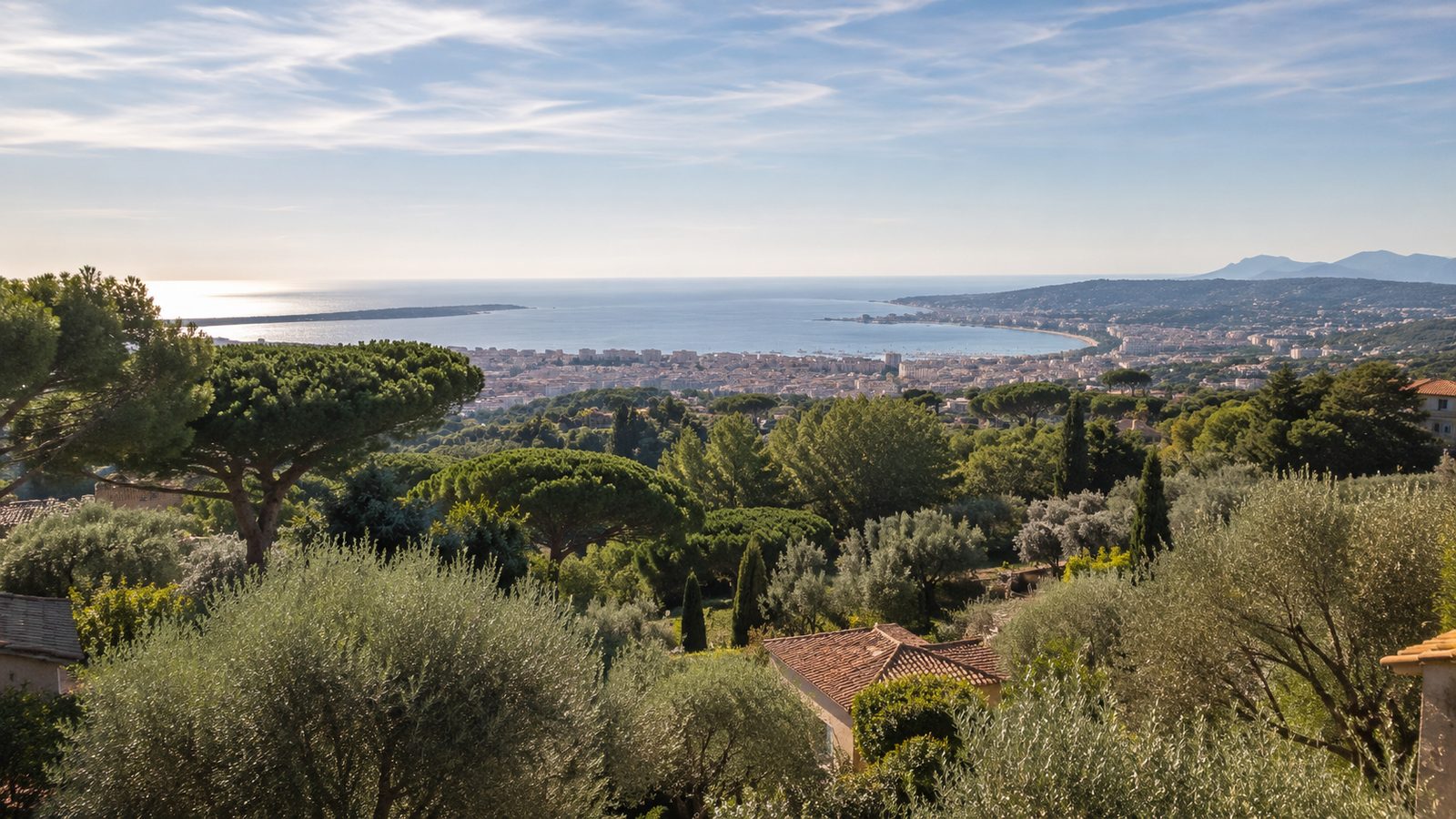
- PACA regionOn-site work includedAlpes-Maritimes, Var, Bouches-du-Rhône, Vaucluse, Alps
- Elsewhere in FranceTravel chargedQuoted by distance
- All of FranceRemote supportSecure session with your permission
Departments
- Alpes-Maritimes (06)
- Var (83)
- Bouches-du-Rhône (13)
- Vaucluse (84)
- Alpes-de-Haute-Provence (04)
- Hautes-Alpes (05)
Main towns
- Mougins
- Cannes
- Antibes
- Nice
- Sophia Antipolis
- Grasse
- Valbonne
- Le Cannet
- Mandelieu-la-Napoule
- Fréjus
- Toulon
- Aix-en-Provence
- Marseille
FAQ
Frequently asked questions
Do we need to keep connection logs?
Businesses providing public internet access in France have obligations to retain certain technical data. We configure logging; the exact retention period should be validated with your legal adviser.
Can we keep our existing access points?
Sometimes. The survey shows what can be reused.
How many WiFi access points do we need?
It depends on walls, floors, materials and the number of devices, not just floor area. An on-site or plan-based survey places access points where they are needed instead of adding them at random.
Why is WiFi slow when the fibre is fast?
Usually because of poorly placed access points, crowded channels, outdated consumer equipment or too many devices on one access point. The internal network must keep up with the fibre.
Can we have a captive portal for guests?
Yes: a branded welcome page, access by code, voucher or form, and limited session time. Any personal data collection must comply with GDPR.
Is guest WiFi separated from our network?
Yes, as a basic rule: guests are isolated on a dedicated network and never reach your computers, printers or servers.
Do you work in warehouses and large spaces?
Yes. Warehouses, workshops, campsites and residences need suitable, sometimes outdoor, access points and links between buildings.
See also
Tell us about your sites, devices and lines.
Describe where things stand today. We come back with specific questions, then a costed proposal.
- +33 4 22 53 75 24
- contact@arodata.fr
- Mon–Fri: 9:00am – 6:00pm (CET)
- 62 Impasse Font Roubert, 06250 Mougins, France