
Cybersecurity
SME cybersecurity: protect your data and your business.
Audit, multi-factor authentication, isolated backups, endpoint protection and staff awareness: we protect small businesses against phishing, payment fraud and ransomware.
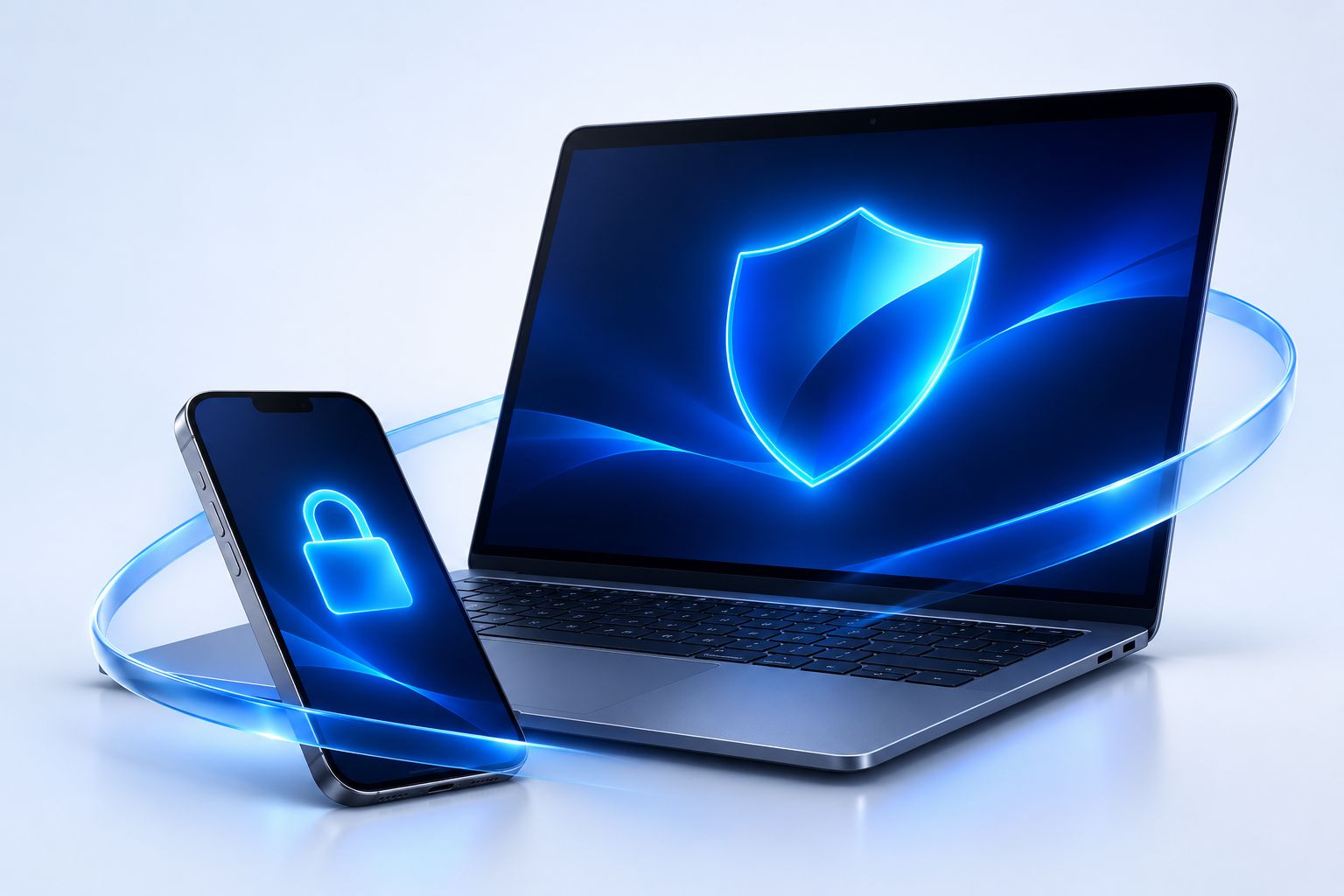
- Audit & assessmentKnow where you stand
- Advanced protectionAntivirus, EDR, firewall, filtering
- MonitoringThreat detection and response
- DR / BCKeep your business running
A doubt, an emergency?
Incident, doubt or prevention: where to start.
The threats
The cyberattacks that target SMEs.
Six very common situations: how they happen, how to spot them and what we put in place.
Phishingfake supplier email, malicious link
How it happens
- An email imitates a supplier, a bank or Microsoft 365
- It asks you to click, sign in again or open an attachment
- The password entered goes to the attacker
Warning signs
- Slightly different sender address
- Urgency or threat of suspension
- Link that doesn't go to the real site
Our protections
- Email filtering
- Multi-factor authentication on accounts
- Awareness exercises, like the Cyber Lab
Fake bank-detail fraudpayment fraud, CEO fraud, changed bank details
How it happens
- A "supplier" announces new bank details
- Or an "executive" asks for an urgent, confidential transfer
- The money goes to a fraudulent account
Warning signs
- Pressing request outside usual channels
- New bank details sent by plain email
- Instruction not to tell anyone
Our protections
- Call-back procedure on a known number
- Domain protection (SPF, DKIM, DMARC)
- Dual approval of transfers
Ransomwareencrypted files, ransom demand
How it happens
- A computer is infected, often after phishing
- The program encrypts files and network shares
- A ransom is demanded to unlock them
Warning signs
- Renamed or unreadable files
- Ransom message on screen
- Sudden network slowdowns
Our protections
- Endpoint protection with detection (EDR)
- Isolated backup, out of the network's reach
- Regular restore tests
Stolen passwordhacked Microsoft 365 account, reused password
How it happens
- A password leaks when another site is breached
- Or it is guessed because it's too simple
- The attacker reads the mailbox and prepares a fraud
Warning signs
- Sign-ins from an unusual country
- Mail forwarding rules created without you
- Contacts receiving strange emails
Our protections
- Mandatory multi-factor authentication
- Password manager
- Alerts on suspicious sign-ins
Public WiFi and travelhotel WiFi, station, lost laptop
How it happens
- Staff connect to hotel or station WiFi
- Or a laptop is lost or stolen
- Company data is exposed
Warning signs
- Open network without a password
- Unencrypted laptop
- No way to lock the device remotely
Our protections
- Disk encryption
- Secure connection (VPN) for sensitive access
- Remote lock and wipe
Data leakfile sharing, USB stick, GDPR
How it happens
- A sharing link stays open to "anyone"
- A USB stick is lost or plugged in unchecked
- Personal data ends up exposed
Warning signs
- Sharing links with no expiry
- Folders open to the whole company
- No inventory of sensitive data
Our protections
- Review of access rights and shares
- Stricter default sharing rules
- Help with GDPR obligations after an incident
Our approach
From first assessment to lasting protection.
No zero-risk promise: concrete measures, ranked by priority, and follow-up over time.
- 01
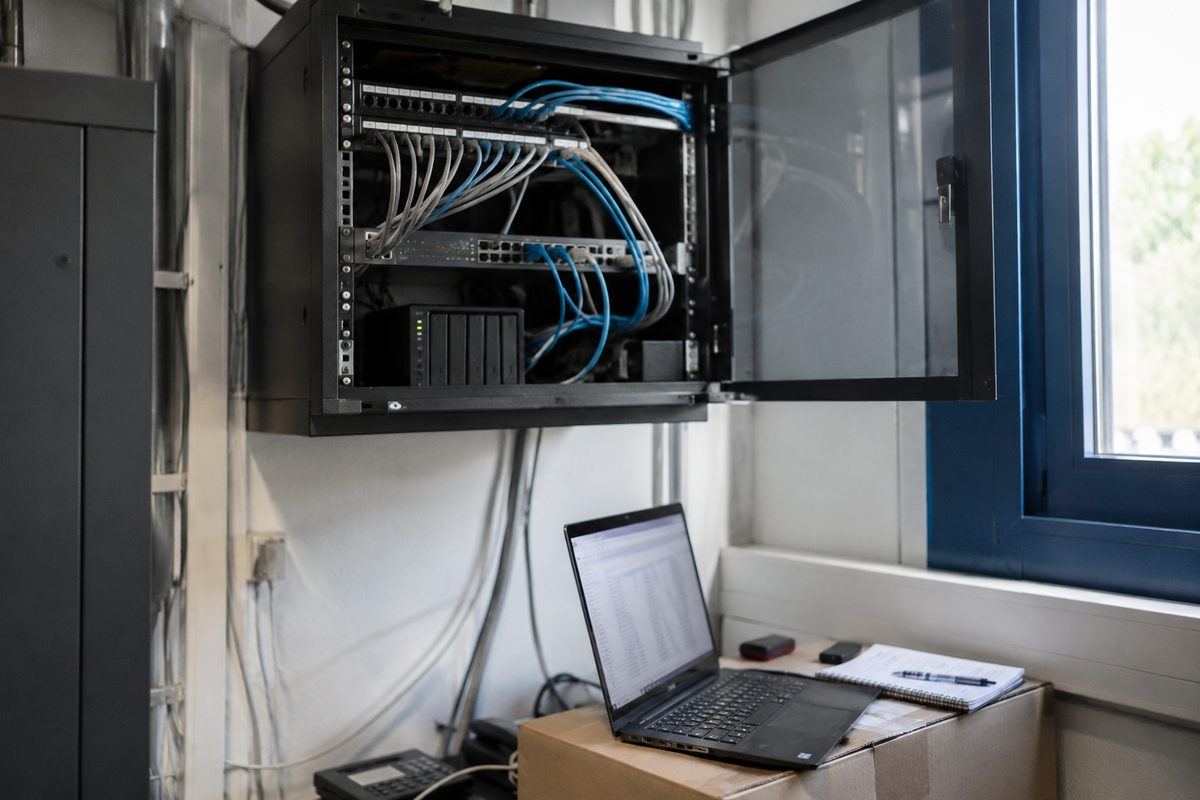
Audit
We check accounts, access rights, updates, backups and email. You receive a written, prioritised report.
- 02
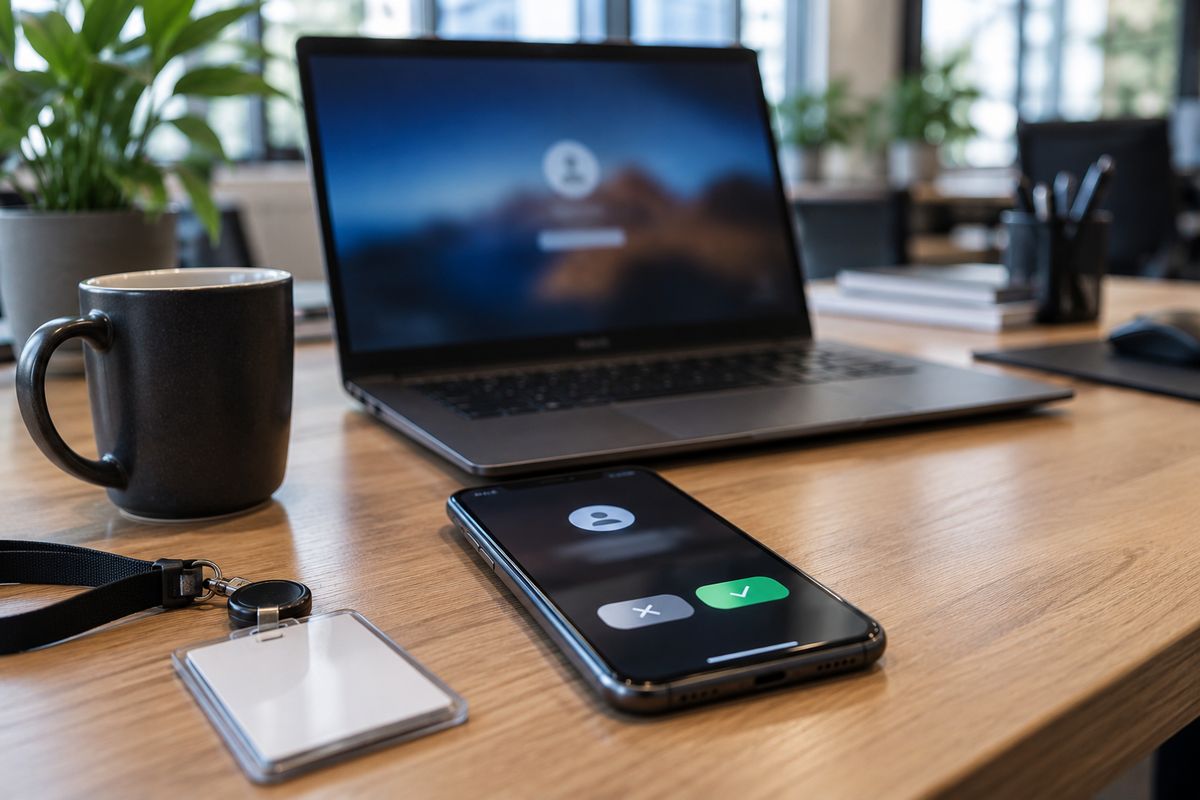
Protected access
Multi-factor authentication on email and remote access: a stolen password is no longer enough.
- 03
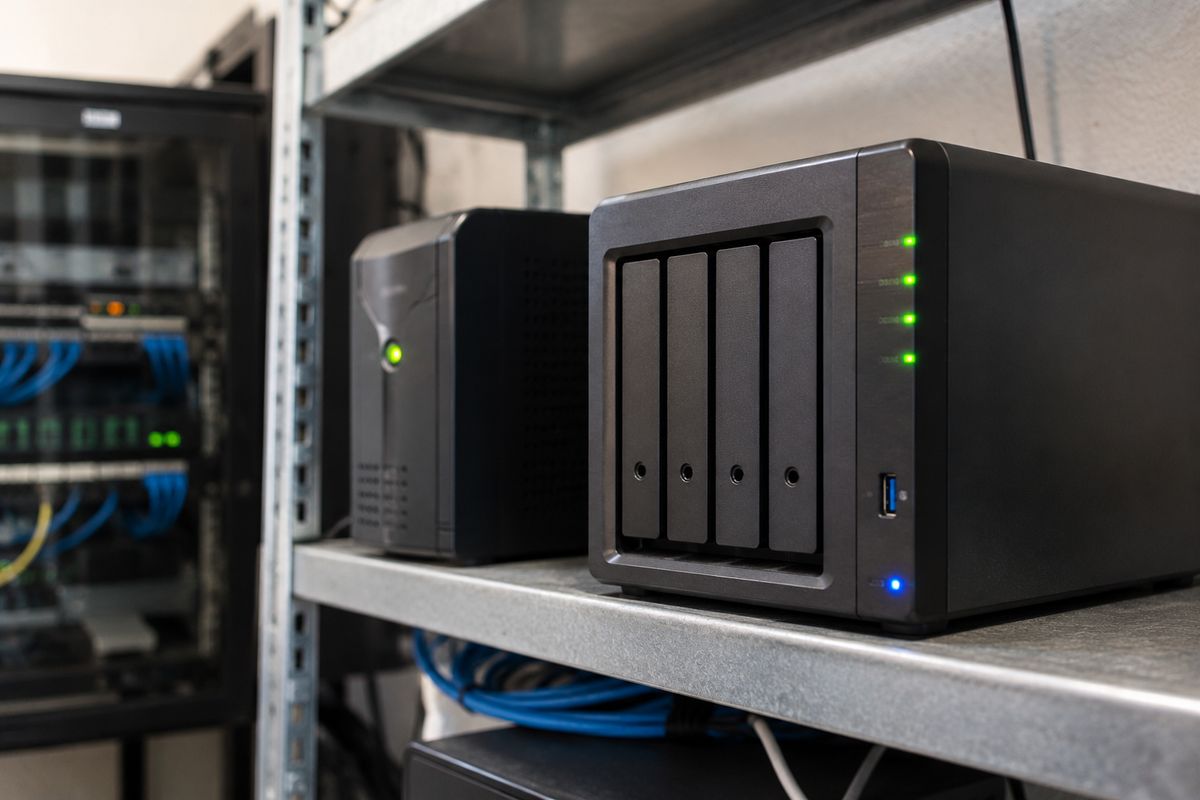
Isolated backups
A copy out of the network's reach, with tested restores so it works on the day you need it.
- 04
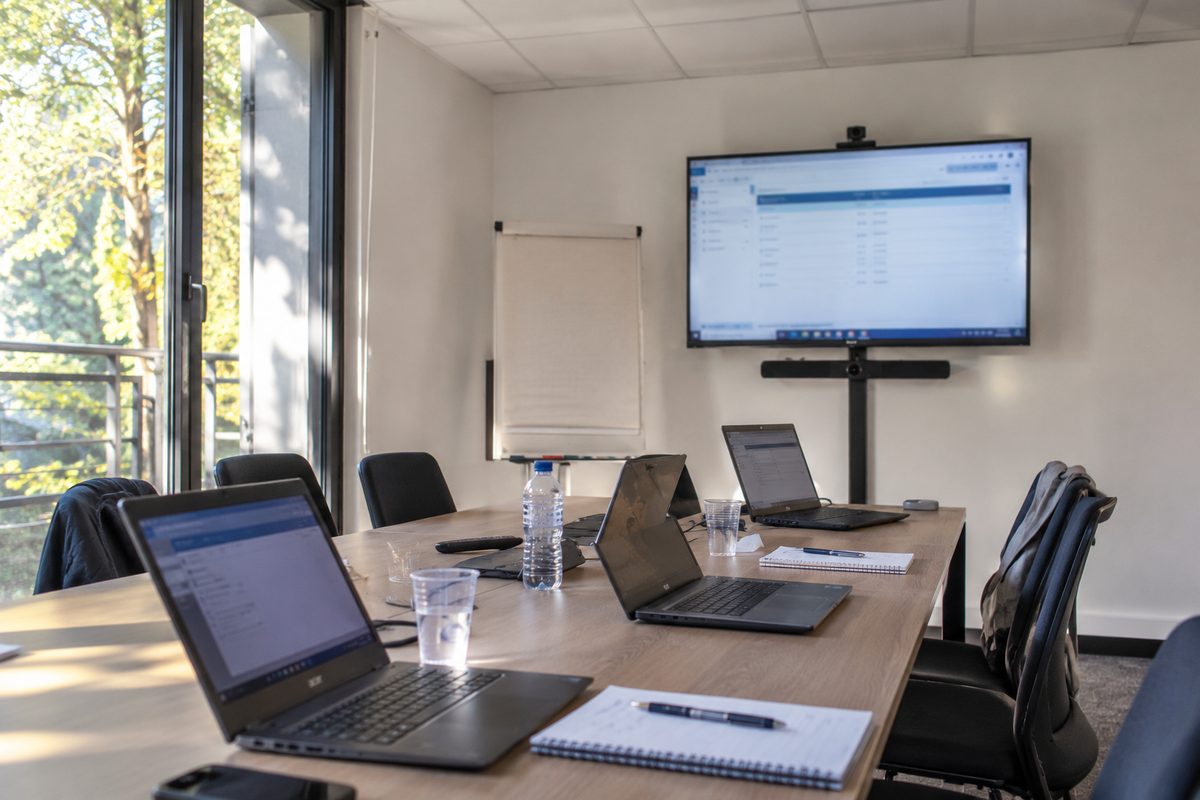
Trained staff
Short, regular exercises, including our Cyber Lab, to recognise phishing or payment fraud.
- 05
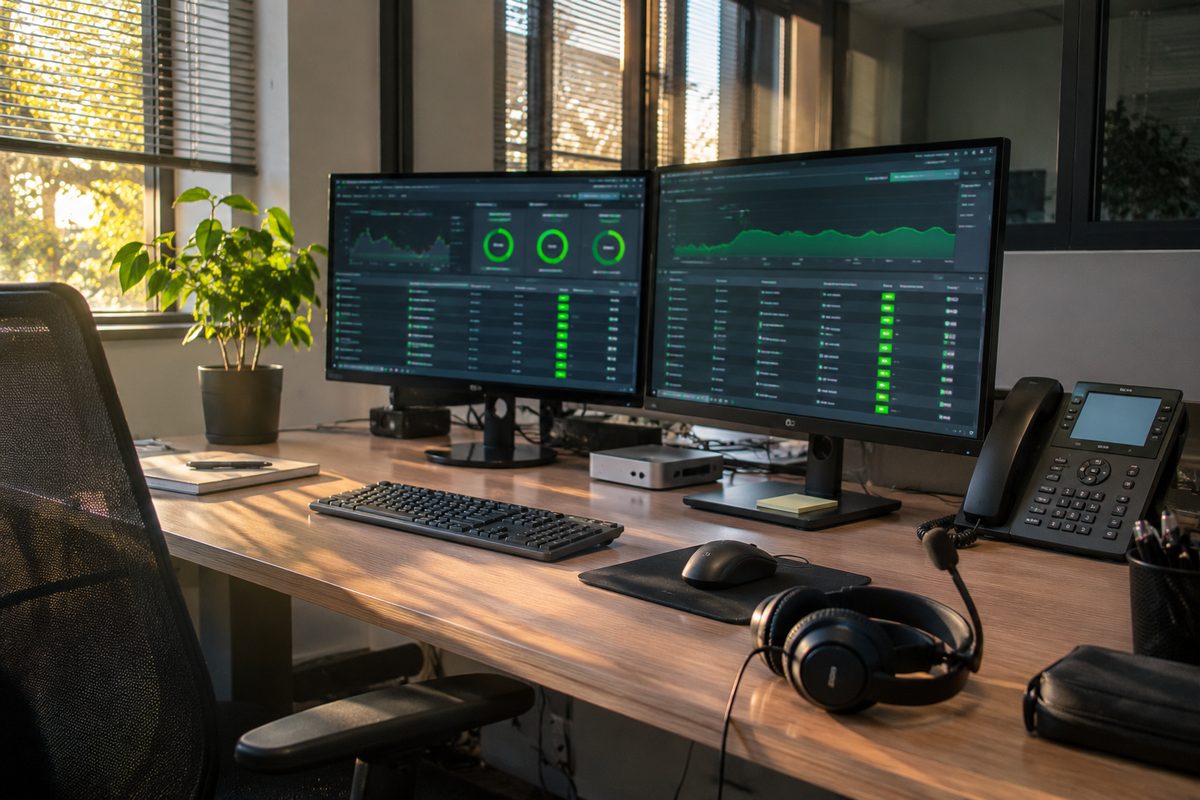
Follow-up
Monitored alerts, applied updates and regular reviews of your protection level.
Priority measures
Six cybersecurity measures that protect what matters.
Multi-factor authentication
On every mailbox and remote access: the single most effective measure.
Isolated, tested backup
An out-of-reach copy and regularly verified restores.
Endpoint protection (EDR)
Suspicious behaviour detected, with alerts followed up.
Protected email
Filtering, SPF, DKIM and DMARC against domain spoofing.
Staff awareness
Short, regular exercises such as AroData's Cyber Lab.
Incident procedure
A one-page card: who to call, what to unplug, who to notify.
Typical projects
Situations we handle regularly.
SME after fake bank-detail fraud
A transfer went to a fraudulent account.
- Analysis
- DMARC
- MFA
- Call-back procedure
Law firm
Sensitive client data on unencrypted laptops.
- Audit
- Encryption
- EDR
- Isolated backup
Online retailer
Fear of ransomware at peak season.
- 3-2-1 backup
- Restore test
- Recovery plan
Services company, 25 staff
Staff click on everything.
- Cyber Lab
- Exercises
- Easy reporting
Typical examples to illustrate how we work: these are not client references.
What's included
Measures we put in place
- Review of accounts, access rights, updates and backups
- Multi-factor authentication (MFA) on email and remote access
- Endpoint and server protection with suspicious behaviour detection
- Backups with an isolated copy, and tested restores
- Email filtering and SPF, DKIM, DMARC set up on your domain
- Staff awareness, including through our Cyber Lab
What we don't do
- No penetration testing without a written mandate and a defined scope
- No zero-risk promises: we document the residual risk
Service area
Cybersecurity across Provence-Alpes-Côte d'Azur

- PACA regionOn-site work includedAlpes-Maritimes, Var, Bouches-du-Rhône, Vaucluse, Alps
- Elsewhere in FranceTravel chargedQuoted by distance
- All of FranceRemote supportSecure session with your permission
Departments
- Alpes-Maritimes (06)
- Var (83)
- Bouches-du-Rhône (13)
- Vaucluse (84)
- Alpes-de-Haute-Provence (04)
- Hautes-Alpes (05)
Main towns
- Mougins
- Cannes
- Antibes
- Nice
- Sophia Antipolis
- Grasse
- Valbonne
- Le Cannet
- Mandelieu-la-Napoule
- Fréjus
- Toulon
- Aix-en-Provence
- Marseille
FAQ
Frequently asked questions
Where to start on a small budget?
For most SMEs: multi-factor authentication on email, a tested isolated backup, and automatic updates. Those three measures address a large share of common incidents.
Does the online self-assessment replace an audit?
No. It gives an initial indication from your answers, without examining your network. An audit checks your actual configuration.
What is EDR and do I need it?
EDR watches how computers behave and can stop an attack in progress, whereas a classic antivirus mainly matches signatures. For an SME it is worthwhile when monitored: an alert nobody reads protects no one.
How do we prevent fake bank-detail fraud?
Require a call-back on a known number before any change of bank details, protect mailboxes with multi-factor authentication, and publish SPF, DKIM and DMARC on your domain.
What should we do during a ransomware attack?
Disconnect affected computers from the network without switching them off, don't pay in a hurry, alert your IT provider and insurer, then report it to the police. An isolated, tested backup is what lets you restart.
Do you train staff?
Yes, with short, practical exercises. AroData's free Cyber Lab mini-games can be a starting point.
Do you run penetration tests?
We carry out configuration audits. For a penetration test, we refer you to a specialist firm and can coordinate the work.
Where should a small business start with cybersecurity?
With three measures: multi-factor authentication on email, a tested isolated backup and automatic updates. The free online self-assessment gives a first overview in 15 questions.
See also
Tell us about your sites, devices and lines.
Describe where things stand today. We come back with specific questions, then a costed proposal.
- +33 4 22 53 75 24
- contact@arodata.fr
- Mon–Fri: 9:00am – 6:00pm (CET)
- 62 Impasse Font Roubert, 06250 Mougins, France